Key takeaway
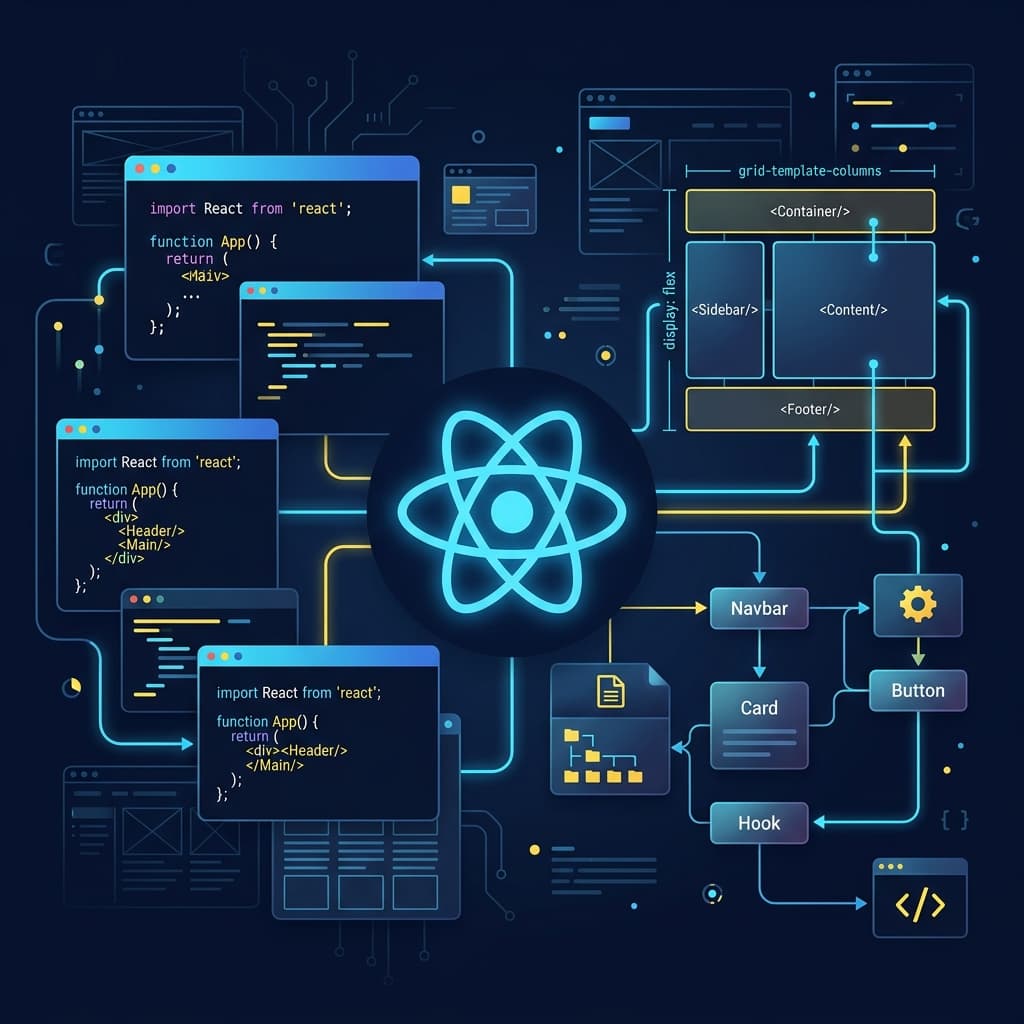
Master CSS Flexbox/Grid layouts, deep-dive into JavaScript closures/event loops, build production-grade React architectures, and deploy custom interactive portfolio projects.
Common mistakes to avoid
- Skipping core CSS layout systems to learn JavaScript and framework libraries too quickly.
- Building copy-paste clone projects that do not showcase unique programming or design decisions.
- Neglecting basic web performance and loading statistics like Google Lighthouse scores.
Step-by-step preparation
Learn semantic HTML elements and CSS Flexbox/Grid structures from scratch.
Master core JavaScript concepts including scopes, promises, and execution context loop cycles.
Build 2-3 custom React/TypeScript projects and publish them to live environments.
Your checklist
Modern CSS Layouts & Semantics (The Underrated Foundation)
Many freshers rush past CSS to learn JavaScript frameworks, but companies expect developers to know layout systems inside out. A professional frontend developer must understand Flexbox and CSS Grid thoroughly, including how to structure layouts dynamically without relying on hardcoded pixel margins. Knowing when to use Grid (for 2D layouts and overall page structures) versus Flexbox (for 1D layouts and components alignment) makes code cleaner and easier to maintain.
Furthermore, semantic HTML is critical for SEO and accessibility (a key AdSense optimization and Google ranking factor). Using elements like main, header, section, and article instead of generic div blocks helps search engines index content effectively and allows screen readers to parse layouts easily. Ensure you understand responsive design using relative units like rem, em, vh, and vw, and write CSS media queries using a mobile-first philosophy to handle diverse screen resolutions.
- Differentiate Flexbox and CSS Grid layout techniques
- Write fully responsive media queries using mobile-first structures
- Implement proper semantic HTML tags across all components
JavaScript Deep Dive (The Core Engine)
JavaScript drives modern web applications, and interviews will quickly reveal if you only know how to build basic things. You must understand how the event loop, execution stack, and task queues manage asynchronous executions. Spend time studying closures, which let a function access variables from an outer scope even after that outer function has executed, and lexical scoping, which determines variable accessibility based on nesting structures.
Asynchronous programming is another core area. Master Promises and the async/await syntax to handle data fetching clean of callback hell. You must also understand how memory leak scenarios happen (such as uncleared setInterval triggers or lingering event listeners) and how the browser handles garbage collection. Knowing JavaScript array operations like map, filter, and reduce, and deep copying concepts like structure clones is highly expected.
- Diagram the Event Loop, Call Stack, and Callback Queue paths
- Implement asynchronous fetch functions utilizing async/await patterns
- Resolve variable hoisting and scope issues in strict configurations
React & State Management Architecture
React has become the industry standard for UI rendering, but many freshers build applications that re-render excessively. Learn the React component lifecycle and how virtual DOM reconciliation works. Master basic hooks like useState, useEffect, and useRef, and understand that useEffect is for synchronization with external systems, not for computing state from props. When performance bottlenecks arise, learn to use useMemo and useCallback to cache values and functions, and use React DevTools to isolate rendering leaks.
As applications grow, passing props down multiple levels becomes messy. Learn state management options: React Context API for small global settings (like themes or user profiles) and external libraries like Zustand or Redux Toolkit for complex, high-frequency state updates. Understand how to design state schemas to avoid redundant or conflicting variables, and write custom hooks to separate user interface logic from functional workflows.
- Explain virtual DOM diffing and component rendering loops
- Minimize component re-rendering using useCallback/useMemo
- Design clean global state stores using Zustand or Context API
Portfolio Strategies & Testing Your Apps
A generic portfolio with simple todo apps or clone templates will not impress engineering managers. Build 2-3 original projects that solve real problems, like a collaborative workspace, a data dashboard with live charts, or an offline-capable note app. Deploy these apps to hosting platforms like Vercel or Netlify, and make sure their source code repositories contain detailed README documentation explaining the project architecture and setup instructions.
Quality code requires testing. Learn the basics of unit testing using Jest and React Testing Library to verify that your components behave correctly under various input scenarios. You should also write automated integration tests to check user flows (like logging in or adding items to a cart) and run performance audits using Google Lighthouse to optimize image loading, font rendering, and layout shifts.
- Deploy at least 2 highly custom frontend applications with live URLs
- Write unit tests for core interactive components with Jest
- Optimize Lighthouse scores above 90 for performance and accessibility
Crucial Coding Interview Rounds
Frontend interviews usually include a machine coding round where you must build a working UI component (like an autocomplete search bar, a carousel, or a nested comment section) from scratch in 60-90 minutes. To clear this round, write clean, modular JavaScript and style components cleanly without relying on external libraries. Practice managing state statefully, handling boundary inputs, and avoiding frequent API calls by implementing helper utility functions like debounce or throttle.
You will also face system design questions where you explain how to architect large-scale applications like Google Docs or Netflix. Be ready to discuss asset optimization (like lazy loading bundles, responsive image sizes, and prefetching pages), caching mechanisms (such as service workers, LocalStorage, and HTTP headers), and security considerations (including Cross-Site Scripting protection and Content Security Policies).
- Build an autocomplete component with debounced API requests from scratch
- Apply debouncing and throttling algorithms to heavy user scroll events
- Explain web performance optimizations including code-splitting and asset CDNs
What to take away
- Modern frontend requires solid CSS and semantic HTML, not just JS frameworks.
- Deeply understand JavaScript asynchronous behavior and memory execution models.
- Optimize React rendering pathways and structure code with modular custom hooks.
Frequently asked questions
Is it necessary to learn TypeScript as a fresher?
Yes, most modern codebases use TypeScript. Learning it early helps you write safer code and shows recruiters you are industry-ready.
How can I make my frontend application load faster?
Implement image lazy loading, split your code bundles, use modern web fonts, and ensure asset caching is configured correctly.
Sumit
Founder, CampusToCareerCampusToCareer is an independent career research platform helping freshers and early-talent candidates find verified jobs, ace interviews, and build placement-ready profiles. This guide was reviewed by the CampusToCareer editorial team before publication.