Key takeaway
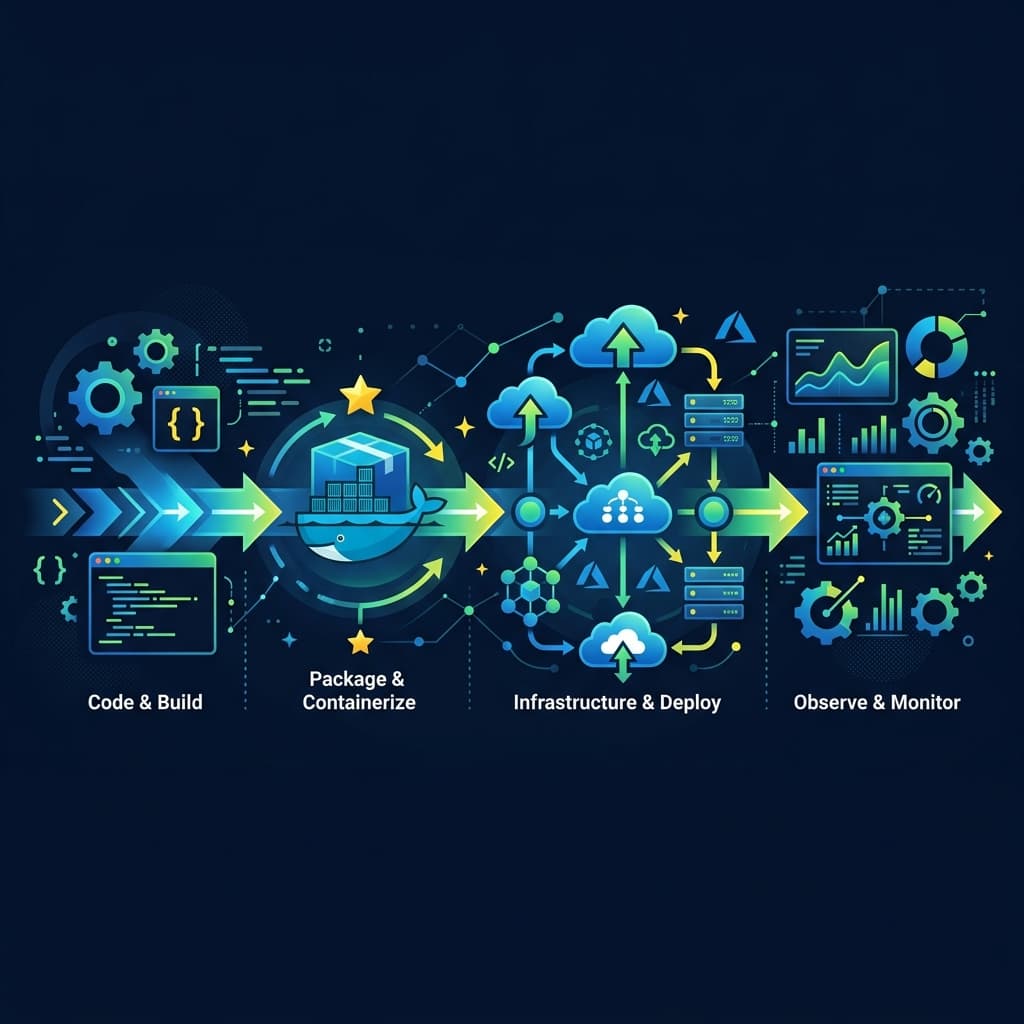
Master Linux file systems and command line scripting, understand container integration with Docker, write CI/CD automation pipelines, and learn Infrastructure as Code.
Common mistakes to avoid
- Clicking cloud console buttons manually instead of writing reproducible Terraform infrastructure scripts.
- Underestimating basic networking concepts like ports, DNS resolution, and load balancing configurations.
- Creating heavy, slow Docker containers without using multi-stage builds or minimal Alpine base images.
Step-by-step preparation
Learn Linux operations, shell scripts, cron jobs, and basic permissions structure.
Master containerization by writing Dockerfiles and combining services via Docker Compose.
Design automated GitHub Actions deployment workflows and provision resources with Terraform.
Your checklist
Linux Administration & Shell Scripting (The Ground Floor)
Almost all cloud infrastructure runs on Linux, making Linux proficiency non-negotiable. Learn the layout of the Linux file system (such as etc, var, opt, and bin directories) and master command-line file manipulation, log inspection, and system configuration commands. Understand process management, memory tracking, and user privilege systems.
You must also learn how to automate repetitive tasks using Bash shell scripting. Writing shell scripts that check disk usage, parse application log files for error alerts, or clean up temporary files is a great way to learn. Understanding cron jobs for scheduling tasks and understanding environment variables and shell configurations provides a solid operational foundation.
- Navigate Linux directory structures and manage file permission masks
- Write a Bash script to search logs and report system status metrics
- Set up scheduled cron jobs to run automated system cleanup scripts
Networking Diagnostics & Security
Infrastructure engineers spend significant time debugging why systems cannot talk to each other. Master networking fundamentals: the TCP/IP stack, DNS lookup processes, routing tables, and IP addressing. Learn how load balancers distribute user traffic across backend servers and how firewalls restrict port access.
Security is critical. Understand how SSL/TLS encryption works, how to generate and configure certificates, and how to manage private and public keys for secure SSH connections. Learn how to configure reverse proxies like Nginx to handle user requests, manage headers, compress assets, and route traffic to local backend processes safely.
- Debug network connection routes using ping, traceroute, and curl
- Configure an SSH key connection without password prompts
- Set up Nginx as a reverse proxy with TLS certificates
Containerization & Docker
Containers allow applications to run consistently across any environment. Learn how Docker isolates processes using Linux namespaces and control groups. Master writing Dockerfiles to package applications, keeping images small by using multi-stage builds and minimal base images like Alpine Linux.
Understand container networking, storage volumes for persistent data, and configuration parameters. Once you master individual containers, learn Docker Compose to define and run multi-container applications (like a backend server, frontend UI, and database) using a single YAML configuration file.
- Write a multi-stage Dockerfile for a React or Node.js application
- Mount persistent volumes to keep data when containers restart
- Run a multi-container stack using Docker Compose configurations
CI/CD Pipelines & Automation
Automation is at the heart of DevOps. Learn to design Continuous Integration and Continuous Deployment (CI/CD) pipelines using platforms like GitHub Actions or GitLab CI. A robust pipeline builds code, runs tests, creates Docker images, pushes them to registries, and deploys them to staging environments automatically.
Focus on writing clean pipeline configuration files. Learn to manage secrets (like API keys and deploy tokens) securely within your CI platform, run jobs in parallel to reduce developer wait times, and publish deployment logs so teams can debug build failures easily.
- Create a GitHub Actions pipeline that triggers on code pull requests
- Store and retrieve build credentials securely using GitHub Secrets
- Automate image publishing to Docker Hub on production tags
Infrastructure as Code (IaC) & Cloud (AWS)
Modern infrastructure is written as code, not configured manually by clicking buttons in a cloud console. Learn to use Terraform to define cloud resources (like servers, networks, and databases) declaratively. This ensures your infrastructure is reproducible, version-controlled, and documentable.
Start with a major cloud provider like AWS. Learn core cloud services: Virtual Private Clouds (VPC) for networking, EC2 instances for compute power, S3 buckets for object storage, and IAM policies for secure access management. Combine AWS with Terraform to provision resources automatically, clean up unused resources, and monitor costs.
- Provision an AWS EC2 instance and VPC using Terraform
- Configure cloud storage access permissions using AWS IAM policies
- Deploy a working backend service onto an cloud VM container
What to take away
- DevOps requires a strong systems foundation in Linux and networking.
- Containerization is standard; write clean, multi-stage Dockerfiles.
- Use infrastructure-as-code to manage cloud environments consistently and safely.
Frequently asked questions
Do I need to learn Kubernetes as a fresher?
Kubernetes is complex. Focus on mastering Docker and Docker Compose first, then learn Kubernetes basics once your container fundamentals are solid.
How much programming is required in DevOps?
You need programming skills. Scripting (Python/Bash) is essential, and understanding application code helps you build better deployment pipelines.
Sumit
Founder, CampusToCareerCampusToCareer is an independent career research platform helping freshers and early-talent candidates find verified jobs, ace interviews, and build placement-ready profiles. This guide was reviewed by the CampusToCareer editorial team before publication.